

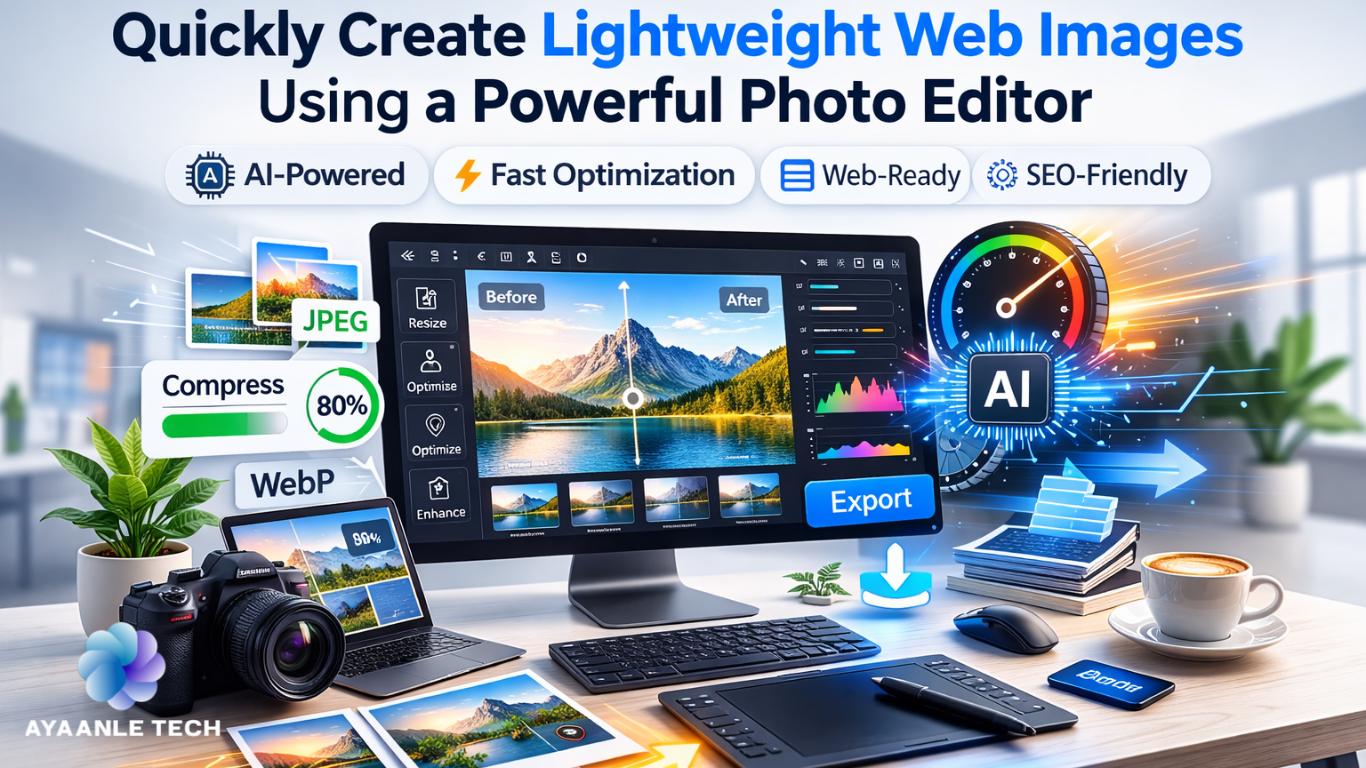
It is essential for lightweight web experiences to load images efficiently. Visuals often dominate large portions of web pages, and heavy image files can slow down performance on both devices and networks. Designers face the challenge of creating visuals that are both attractive and readable while minimizing file size. Achieving this balance is difficult without intelligent tools. Advanced photo editors now simplify optimization through AI-powered analysis and automation. Online tools enable designers to create effective visuals quickly, streamlining workflows and improving overall site performance without compromising creative intent or visual storytelling.
Why Lightweight Images Matter for the Web
Lightweight images directly affect page load speed and responsiveness across browsers. Smaller file sizes reduce server requests and bandwidth usage, enhancing user interaction, readability, and visual stability. Optimized images are also favored by search engines, improving SEO and visibility. Consistent performance is critical across devices like smartphones, tablets, and desktops, regardless of network speed. Properly optimized visuals ensure layouts display correctly without distortion, supporting accessibility goals while maintaining the original design intent for global audiences.
Web-Ready Image Creation Techniques
Modern online photo editors focus on generating web-optimized images from the start. AI assists in resizing images to match layout requirements, scaling banners, cards, and thumbnails accurately. Flexible export formats allow seamless integration into content management systems. Real-time previews provide an accurate representation of quality before download, reducing guesswork. Using a single editor environment streamlines creative decisions and ensures predictable performance. Teams benefit from consistent outputs and repeatable workflows with minimal training.
AI Optimization Techniques in Modern Photo Editors
AI-driven optimization is now standard in contemporary photo editors. Smart compression analyzes textures, edges, and colors to maintain clarity while reducing file size. Resolution scaling adjusts images for different displays, while transparency, gradients, and photographic details are automatically preserved in the chosen format. Automated publishing processes eliminate redundancies, helping artists achieve consistent results with fewer corrections. These tools support brand uniformity and accelerate content delivery, ensuring technical accuracy without sacrificing creativity across platforms and teams.
Steps To Produce Lightweight Web Images Quickly With A Photo Editor
Step 1: Fast Setup & Tool Choice
Open the online photo editor and navigate to the AI design tool. This feature supports creating web-ready visuals such as banners, posters, and thumbnails efficiently.
Step 2: Prompt Precision & Image Reference
Enter a detailed text prompt focused on web use. Upload reference images from your device to improve accuracy and maintain efficiency. Click “Generate” to produce the image.
Step 3: Optimize & Export
Adjust background colors, add text, or insert design elements as needed. Apply AI tools such as upscaling, removal, or inpainting. Choose an export format (JPEG, PNG, or PDF), select the appropriate size, and save a lightweight image. You can also copy the image for direct sharing on social platforms.
Balancing Visual Quality and File Size
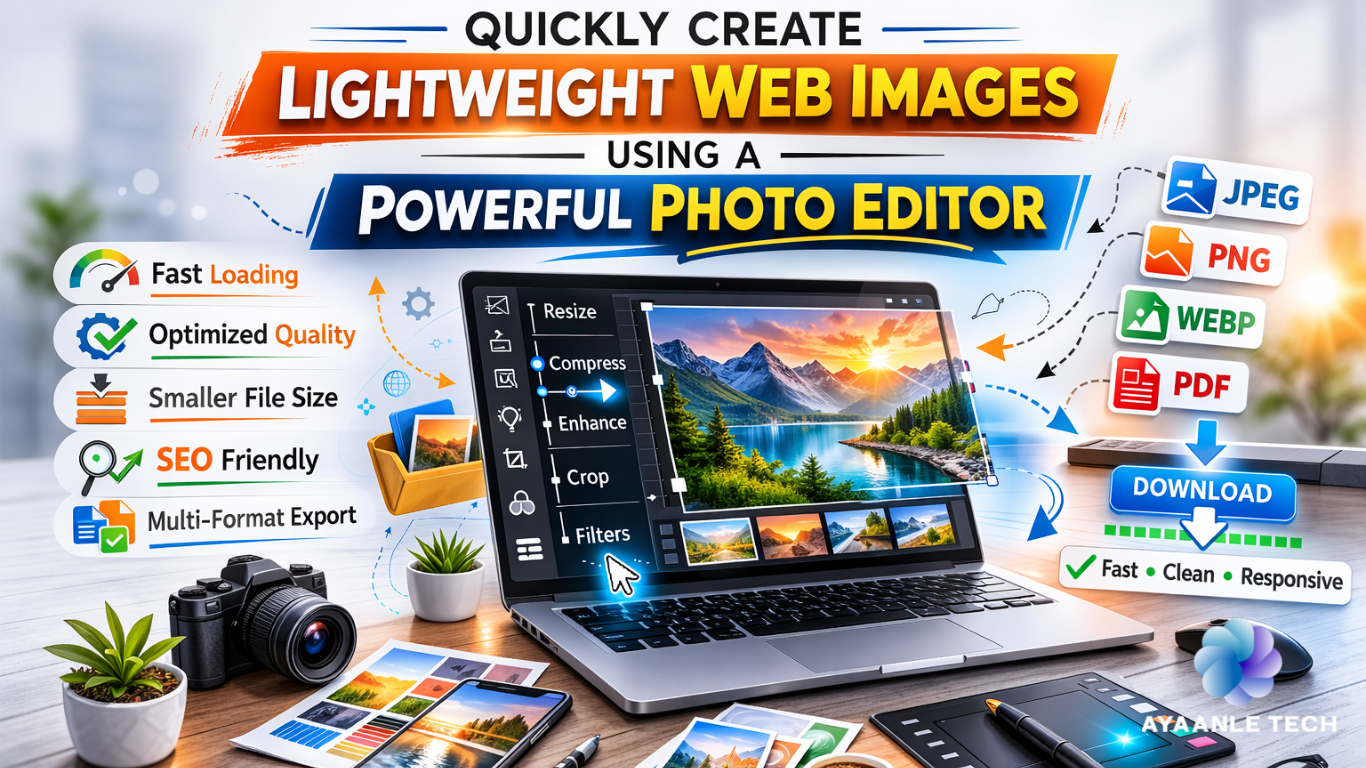
Maintaining clarity while minimizing file size requires careful visual choices. AI compression removes redundant data while preserving edges, contrast, and detail. Upscaling ensures that smaller assets can be used at larger sizes without loss of quality. Simplified backgrounds and focused subjects reduce file weight without affecting communication. Pairing image optimization with complementary media workflows creates cohesive visuals. Thoughtful decisions maintain impact while respecting performance limits, ensuring consistent branding and trust across digital touchpoints.
Fast Image Production for Digital Platforms
Digital publishing demands rapid creation of visuals to meet tight schedules. Browser-based tools eliminate installation delays and hardware constraints. AI support and templates streamline setup, allowing fast edits without complex interfaces. Quick production enables timely campaigns and updates, while stable online editors facilitate work on any device. Efficient workflows help teams respond to trends promptly while maintaining quality standards, supporting continuous creative output in distributed teams and fast-paced marketing environments.
Scalable Web Image Workflows
Scalable workflows ensure consistent optimization across large content libraries. AI batch processing applies uniform settings to multiple assets, adapting images to various layouts and breakpoints. This approach saves time during updates or launches while maintaining visual standards. Cloud-based collaboration supports project sharing and predictable outputs, helping teams plan and manage long-term assets. Coordinated workflows align creative production with business growth across platforms and regions efficiently at scale.
See Also: How Work X is Transforming Brisbane’s Business Landscape
Conclusion
Lightweight imagery is a critical component of modern digital design. Performance expectations continue to rise as audiences access content on diverse devices and networks. Optimized images enable faster loading, improved interaction, and better discoverability. AI-powered optimization simplifies the technical process, allowing teams to create visually appealing content efficiently. Streamlined workflows enhance scalability, consistency, and user experience, balancing creativity and performance in a competitive web environment.
