

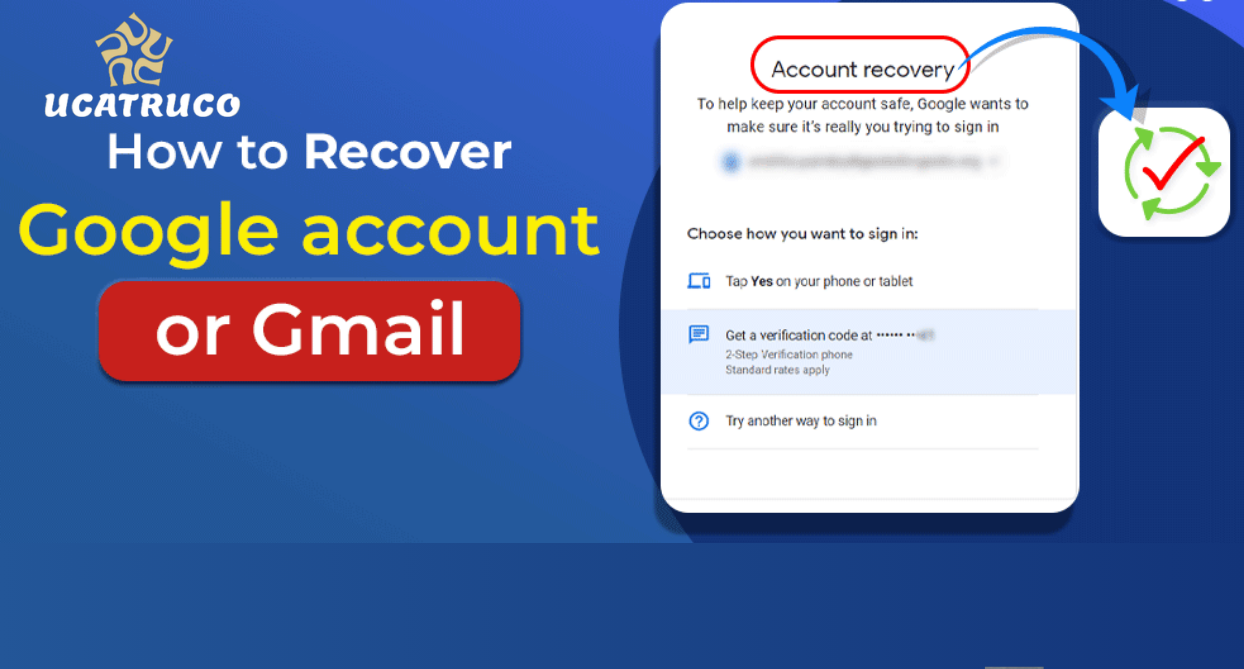
Gmail has become an essential tool for personal and professional communication. Losing access to your Gmail account can be stressful, especially if it contains important emails, contacts, or personal information. Account recovery is designed to help users regain secure access to their accounts and regain control.
When attempting to recover your Gmail account, it is important to provide accurate information and carefully follow the instructions. Google’s recovery system focuses on account security to ensure only the rightful owner can regain access.
Common Reasons for Losing Gmail Account Access
- Forgotten Password – Many users lose access when they forget their password, especially if the account hasn’t been used recently.
- Hacked Account – Unauthorized access can occur through phishing, malware, or weak passwords.
- Lost Recovery Options – Users may lose access to their recovery email address or phone number, making verification more difficult.
- Account Inactivity – Accounts that remain inactive for extended periods may become restricted or disabled.
- Security Restrictions – Suspicious login attempts or unusual activity may cause temporary access limitations.
Understanding the cause of account access issues helps in choosing the most effective recovery method.
How to Recover a Gmail Account
Google provides multiple methods to recover a Gmail account. Recovery is easier when account recovery information is up to date. Follow these methods to restore access.
1. Using Password Reset
- Go to the Gmail sign-in page.
- Click “Forgot password?” below the password field.
- Enter the last password you remember or choose “Try another way.”
- Complete the verification process using available recovery methods.
- Create a new strong password after verification.
2. Using Recovery Email or Phone Number
If a recovery email address or phone number is linked to your account, verification can be completed quickly.
- Open the Gmail sign-in page and select “Forgot password?”
- Choose the option to receive a verification code.
- Enter the code sent to your recovery email or phone.
- Reset your password and sign in successfully.
3. Using Security Questions
Some older Gmail accounts may include security questions for identity verification. Providing accurate answers can help restore account access.
4. Using Two-Step Verification Backup Codes
If two-step verification is enabled, backup codes can be used to regain access.
- Enter one of the saved backup codes during sign-in.
- Complete verification and update your password if necessary.
5. If All Recovery Methods Fail
If recovery options are unavailable or outdated, you can still attempt to recover your account.
- Complete the Google Account Recovery process.
- Provide accurate details, including previously used passwords, devices, and login activity.
- Wait for the verification process to complete.
Tips to Recover a Gmail Account Quickly
- Remember the last password used for the account.
- Keep your recovery email and phone number up to date.
- Use a familiar device when attempting recovery.
- Provide accurate information during verification.
- Avoid repeated failed attempts in a short period.
Preventing Future Gmail Account Issues
Preventive steps can make future account recovery easier and improve security.
- Enable two-factor authentication for additional protection.
- Regularly update recovery email and phone number.
- Use strong passwords with letters, numbers, and symbols.
- Avoid suspicious links and emails.
- Monitor account activity regularly.
Recover Gmail Account on Mobile Devices
Gmail account recovery can also be completed on mobile devices.
- Open the Gmail app and tap Sign in.
- Select Forgot password?
- Follow the verification instructions.
- Create a new password and sign in securely.
Common Mistakes Users Make During Recovery
- Entering incorrect email addresses or incomplete information.
- Skipping verification steps during recovery.
- Using unfamiliar devices for account recovery.
- Sharing verification codes with others.
Avoiding these mistakes can improve recovery success.
How Long Does It Take to Recover a Gmail Account?
Recovery time depends on the method used.
- Password reset with recovery options usually takes only a few minutes.
- Manual recovery verification may take up to 24–48 hours.
Providing accurate information can speed up the recovery process.
See Also: Free Fire Max ID Hack With UID
Frequently Asked Questions
What if I don’t remember my last password?
You can enter any previously used password or select another verification method during recovery.
Can I recover Gmail on my mobile device?
Yes, Gmail account recovery can be completed through the mobile app or browser using the standard recovery process.
Is it safe to recover a Gmail account using a public computer?
It is safer to use a trusted personal device to reduce security risks.
How can I prevent losing my Gmail account in the future?
Keep recovery information up to date, use strong passwords, enable two-factor authentication, and regularly check account activity.
What should I do if account recovery does not work?
Provide accurate information during the recovery process and try again after some time if necessary.
Can someone else recover my Gmail account without permission?
No, Gmail account recovery requires identity verification to ensure only the account owner can regain access.
Conclusion
Recovering a Gmail account is important for maintaining access to emails and other connected services. Following the correct recovery steps helps restore access safely and efficiently. Keeping recovery information up to date and maintaining strong security practices reduces the risk of losing account access in the future.
